What is Liquid Glass?
Liquid Glass is a lightweight JavaScript/TypeScript library that applies realistic glass refraction, blur, chromatic aberration, and lighting effects to any HTML element using WebGL shaders. It captures the DOM content behind each glass element, processes it through a multi-pass rendering pipeline, and composites the result in real time.
The library handles layered compositing (glass-on-glass), dynamic content updates, draggable floating panels, responsive resizing, and works with any background — images, videos, canvases, or plain HTML.
Getting Started
Install via npm:
npm install @ybouane/liquidglass
Or skip the install and import directly from a CDN:
import { LiquidGlass } from 'https://cdn.jsdelivr.net/npm/@ybouane/liquidglass/dist/index.js';
Basic usage:
import { LiquidGlass } from '@ybouane/liquidglass';

const instance = await LiquidGlass.init({
    root: document.querySelector('#my-root'),
    glassElements: document.querySelectorAll('.glass'),
});

// Later:
instance.destroy();
The root element must be a positioned container (position: relative) and each glass element must be a direct child of the root. Each glass element gets a child <canvas> injected automatically for the shader output.
Configuration Options
Each glass element can be configured individually via data-config (JSON) or globally via the defaults option:
| Option | Type | Default | Description |
|---|
blurAmount | number | 0 | Background blur strength (0 = sharp, 1 = maximum blur) |
refraction | number | 0.69 | How much the glass bends light |
chromAberration | number | 0.05 | Color fringing at edges |
edgeHighlight | number | 0.05 | Inner glow / rim lighting |
specular | number | 0 | Specular highlight (Blinn-Phong) |
fresnel | number | 1 | Fresnel reflection at grazing angles |
cornerRadius | number | 65 | Corner radius in CSS px |
zRadius | number | 40 | Bevel depth (curvature) |
brightness | number | 0 | Brightness adjustment (-0.5 to 0.5) |
saturation | number | 0 | Saturation (-1 to 1) |
shadowOpacity | number | 0.3 | Drop shadow opacity |
floating | boolean | false | Enable drag-to-move |
button | boolean | false | Button mode (hover/press shader feedback) |
bevelMode | number | 0 | 0 = biconvex pill, 1 = dome (flat bottom) |
Frosted Panel
element.dataset.config = JSON.stringify({
    blurAmount: 0.25,
    cornerRadius: 30,
});

Frosted Glass
Dark Glass
element.dataset.config = JSON.stringify({
    brightness: -0.3,
    blurAmount: 0.25,
    cornerRadius: 50,
});
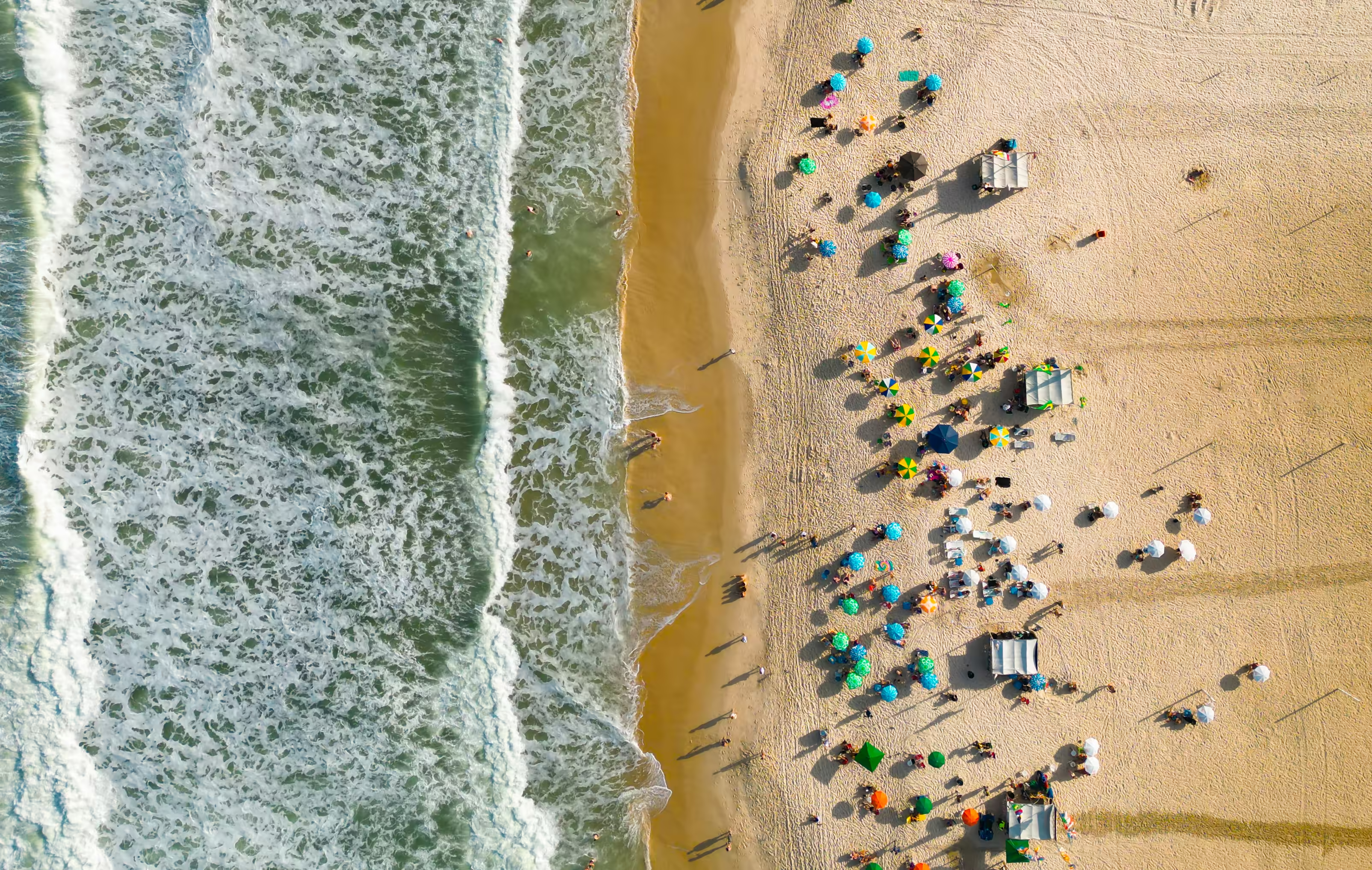
Dark Glass
Button Mode
Set button: true to make a glass element react to hover and press: hovering brightens it, pressing flattens the bevel and deepens the shadow. Try the button below:
element.dataset.config = JSON.stringify({
    button: true,
    cornerRadius: 24,
});
Dome Bevel (Magnifier)
Set bevelMode: 1 with equal cornerRadius and zRadius for a half-sphere lens effect. Try dragging the dome below:
element.dataset.config = JSON.stringify({
    bevelMode: 1,
    cornerRadius: 50,
    zRadius: 50,
    floating: true,
    blurAmount: 0,
    refraction: 1.2,
});
Lorem ipsum dolor sit amet, consectetur adipiscing elit. Sed do eiusmod tempor incididunt ut labore et dolore magna aliqua. Ut enim ad minim veniam, quis nostrud exercitation ullamco laboris nisi ut aliquip ex ea commodo consequat. Duis aute irure dolor in reprehenderit in voluptate velit esse cillum dolore eu fugiat nulla pariatur. Excepteur sint occaecat cupidatat non proident, sunt in culpa qui officia deserunt mollit anim id est laborum.